Introducing Loops and Monitors: Put High-Stakes Work on Autopilot
Run any repeatable, high-stakes workflow on a schedule or when the real world changes, with Custom Agents, more model choices, and the latest Grep workflow controls.

Today we're launching Loops and Monitors, a new way to put repeatable, high-stakes work on a schedule or run it in response to real-world events.
Grep automates complex work where money, regulation, or reputation is on the line. Until now, even a repeatable workflow started the same way every time: you opened Grep and kicked it off yourself. Loops and Monitors remove that step. Define the work once, and Grep runs it for you from then on.
What Are Loops and Monitors?
A Loop runs a workflow on a schedule you choose: daily, weekly, or monthly. A Monitor runs it when something happens in the real world, such as a lawsuit, a regulatory action, a security incident, a market move, or any other event relevant to your work.
Set one up with an objective and a cadence or trigger. A Loop can prepare a weekly market brief, refresh an underwriting review, or run a recurring compliance check. A Monitor can start a vendor security review, counterparty investigation, or portfolio risk assessment when something material changes.
Where It Gets Powerful: Custom Agents
Simple scheduled tasks are useful. Loops and Monitors earn their place when you combine them with Custom Agents, which we launched earlier this year.
A Custom Agent is an AI agent you create inside Grep for a specific business process. It follows your exact policies and procedures. Describe the process, and Grep writes the instructions and prompts from your operating procedures. Because Grep connects to more than 250 skills and over 100 data integrations out of the box, it attaches the right ones as it builds the agent.
For example, a payment processor can create an EDD agent for businesses in the crypto, gaming, and prediction-market space. The agent can use ComplyAdvantage to screen for sanctions and politically exposed persons, then produce a report covering the company, risk score, ownership, licensing, sanctions, and financial risk. Run it as a form or call it through the API.
An EDD report is a snapshot of a company on the day you ran it. Risk does not hold still, and nobody has time to rerun reports on every counterparty each month on the chance that something changed.
Attach that EDD agent to a Monitor and it can rerun the report when adverse news or another material event appears. The trigger can cover regulatory actions, sanctions, lawsuits, security incidents, and adverse media. The report follows your procedures without anyone on your team having to remember to start it.
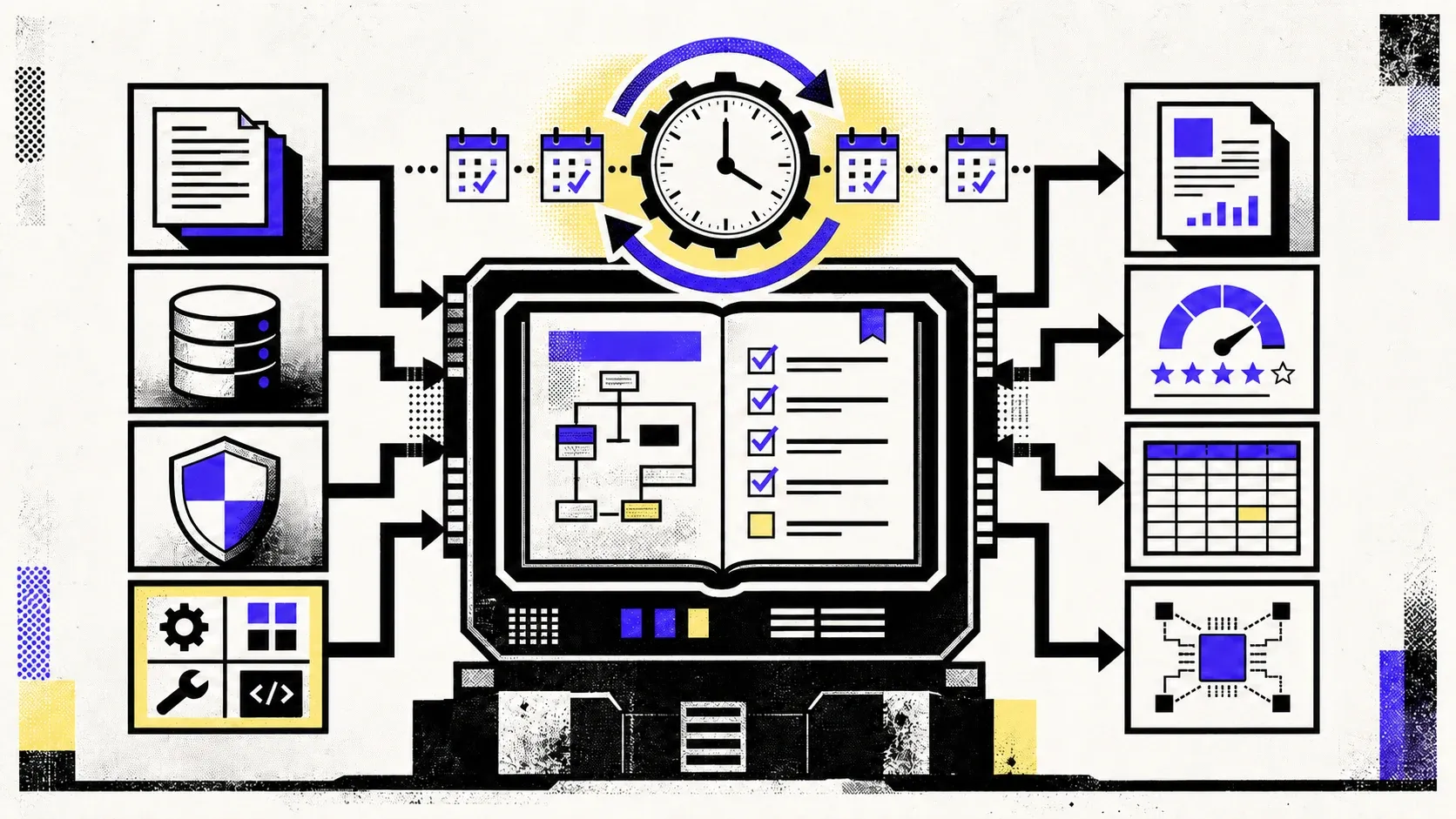
The same pattern works for credit reviews, vendor risk, legal monitoring, market intelligence, and any other workflow that must stay current. The agent carries the method. The Loop or Monitor decides when to run it.
This is the shift we designed Loops and Monitors for. High-stakes work stops being a point-in-time exercise that someone must remember to repeat. It becomes a standing process that keeps watch and escalates only when there is something worth your attention.
More Models for Custom Agents
Custom Agents can now run on a wider range of models. Grep now supports:
Flags indicate where each model is hosted. Dollar signs show relative cost tiers.
Choose a frontier model for difficult reasoning, a balanced model for everyday work, or a fast model for high-volume tasks. Match the model to the workflow instead of forcing every job through the same route.
Bring Grep to Your Team
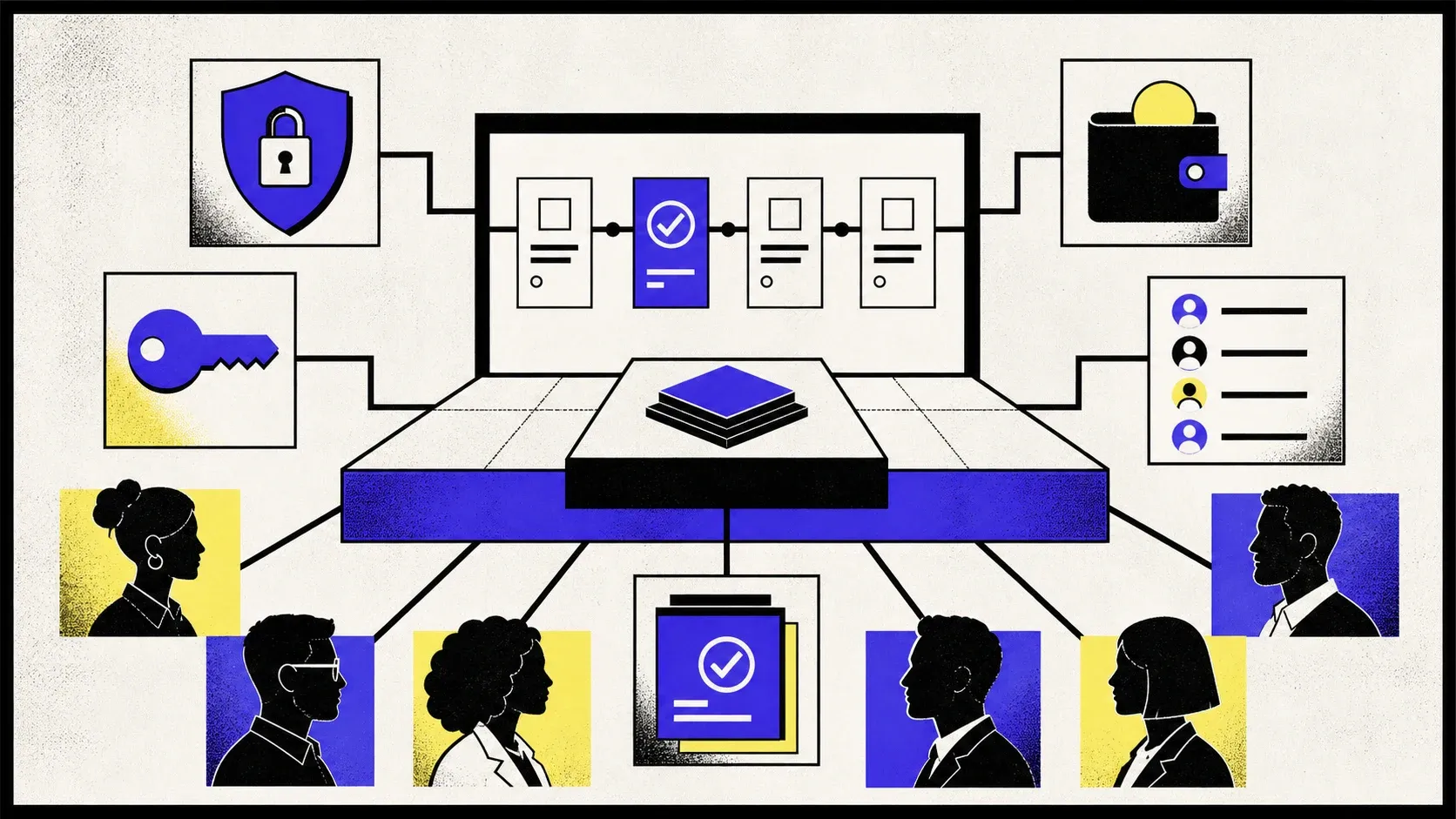
Grep now supports team workspaces with shared ownership and administration. Invite teammates, manage membership, use a shared wallet, create tenant-scoped API keys, switch between organizations, and configure SSO for your company.
Your team can share Custom Agents, run the same approved workflows, and keep recurring work under one organization.
Get Started Today
Loops and Monitors are available now for all Grep users. Create a Loop for work you repeat on a schedule, connect a Monitor to a Custom Agent, and choose the model that fits the job.