Review Response Queue: Turn Customer Reviews Into a Reply Queue
Reviews pile up across Google, Yelp and Trustpilot faster than small teams can triage. See how a review response queue turns complaints into priorities.

Quick Answer
A review response queue turns scattered public feedback into one prioritized worklist, so small teams can address urgent complaints before they damage trust. It collects reviews for a company or product from selected sites, identifies the issue and urgency, and produces a suggested response for each item.
Introduction
Visible owner responses can demonstrate a company’s customer-service practices and help build trust with future customers, especially when a one-star complaint remains public without context. Yelp reports that, in a 2023 survey, 70% of respondents who read reviews said they were more likely to write a review when they saw a business owner respond to reviews. Customer reviews across Google, Yelp, and Trustpilot create separate inboxes, different routines, and too many opportunities for an urgent item to disappear. A centralized review response queue replaces platform-by-platform checking with a single ordered list of work. Yelp's Yelp review response guidance cites this 2023 survey finding.[1]
Key Takeaways
A prioritized queue makes review triage a repeatable operating process.
Urgency, issue type, and suggested replies reduce decision time for small teams.
Centralized monitoring lowers the risk of overlooking public complaints.

How Does a Review Response Queue Organize Customer Reviews?
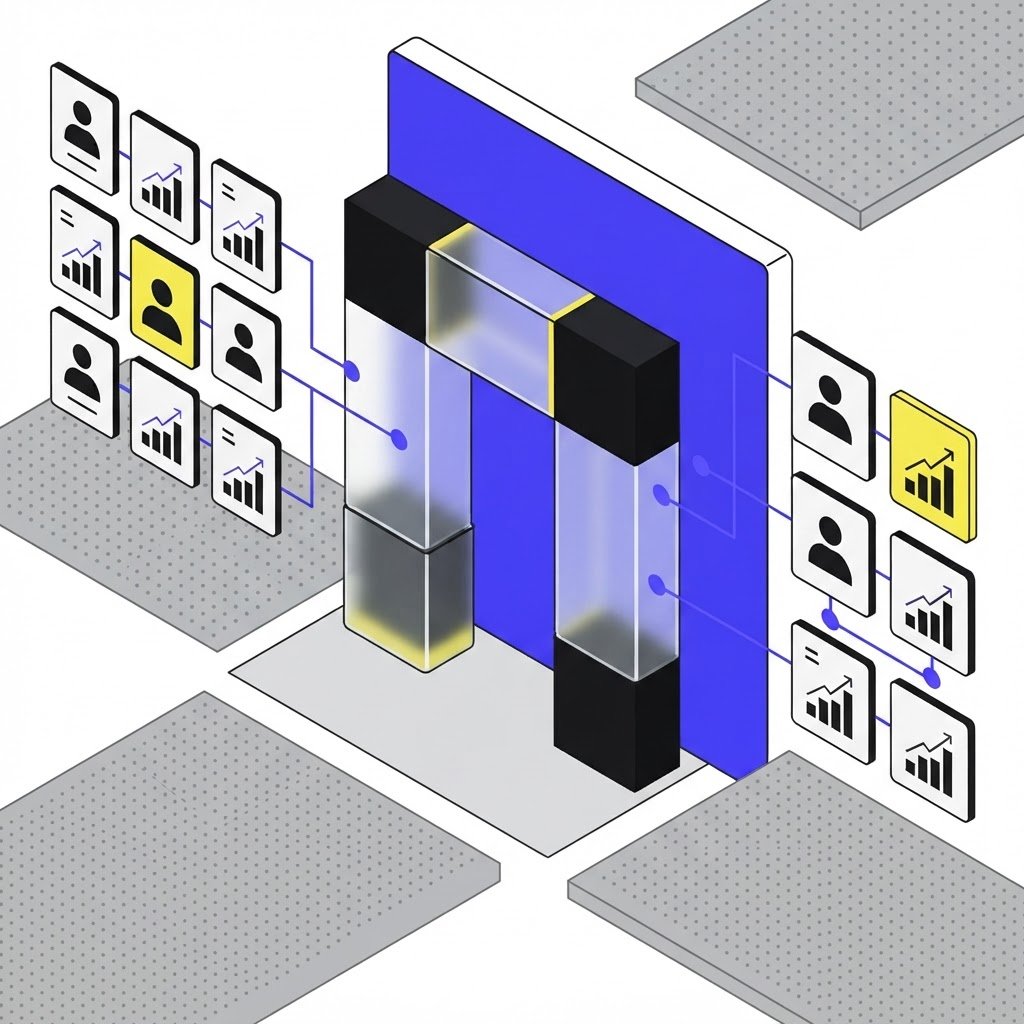
A review response queue is a triage layer, not another destination that requires a separate daily routine. It starts with a company or product name and can use an optional list of review sites, then consolidates relevant feedback into a prioritized record that a customer-success or marketing team can review in one place.
What the agent pulls in and returns
The Review Response Queue agent needs a clear subject to monitor and, when useful, the platforms that matter most to the business. It returns a queue where each item identifies the review, summarizes the issue, assigns urgency, and includes a suggested response that a person can review before posting.
Company name: Defines the business or product under review.
Review sites: Narrows monitoring to selected public platforms.
Issue summary: States the customer’s core complaint or praise.
Urgency: Surfaces items needing prompt human attention.
Suggested response: Provides a practical starting draft.
Why priority should follow the issue, not the platform
Customer review management breaks down when teams treat every site as a separate task list. A serious billing complaint on one platform may need attention before several routine comments elsewhere, while positive feedback can be acknowledged without displacing an unresolved service issue. This is customer feedback themes applied to an operational decision: what needs a response now, what needs investigation, and what can wait.
How Does a Review Response Queue Compare to Manual Monitoring?
Manual checking depends on memory, browser habits, and the availability of the person assigned to each platform. Automated review monitoring creates one shared view of incoming issues, which gives a small team a clearer handoff between marketing, support, and customer-success roles.
Where the operational difference appears
The comparison is not between human judgment and automation. It is between spending human attention locating feedback and spending it on the context, investigation, and final language needed to respond responsibly.
Workflow | Where reviews are checked | How urgency is handled | Response preparation |
|---|---|---|---|
Manual monitoring | Separate platform logins | Determined during each check | Written from scratch |
Grep | One prioritized worklist | Flagged by issue severity | Suggested response per item |
The key tradeoff is consistency. Manual review monitoring can work when volume is low and ownership is explicit, but it becomes fragile when reviews arrive across platforms or responsibility changes hands.
How the queue fits an existing response process
Assign one owner to review the queue on a regular cadence, route high-urgency items to the team with the facts, and keep final publishing with a person who understands the customer relationship. Yelp’s review response guidance reinforces the importance of addressing feedback rather than letting it sit unanswered.[1] For broader context, brand perception monitoring can help teams spot patterns that individual review replies cannot explain on their own.
How Do You Use Review Triage Without Losing Human Judgment?
Small teams should prepare review responses faster without publishing generic language without review. Suggested replies need a human check for factual accuracy, privacy, tone, and any promise that could create a support or legal obligation.
Build a response rule for urgent complaints
High-priority items should move from queue to accountable owner with enough context to investigate the issue, then return to the public conversation with a concise response. Avoid requesting personal account details in public, avoid debating the reviewer, and keep a record of recurring issues that may require a product or policy fix. Trustpilot’s business guidelines state that review invitations should be fair, neutral, and unbiased, with no incentives offered.[2] Google’s own review reply guidance makes the same point: keep replies brief and courteous, skip the sales pitch, and never share a reviewer’s private details in public.[3]
Connect review replies to reputation signals
A queue resolves the immediate response problem, while longer-term analysis should ask which complaints recur and whether public sentiment is shifting. Teams can pair review triage with brand reputation insights, daily brand mentions, and competitor intel tracking to separate isolated incidents from signals that warrant a larger response.

Conclusion
A prioritized queue is more reliable than asking a small team to remember several review platforms and assess urgency from scratch each time. It centralizes customer reviews, gives each item an issue and urgency label, and provides a suggested response that remains subject to human approval. The goal is not faster posting for its own sake, but a consistent process for noticing and resolving public feedback.
Ready to explore Grep? Try Grep free on the Grep website.
Frequently Asked Questions (FAQs)
How do you respond to negative reviews quickly?
Respond to negative reviews quickly by routing them into a prioritized queue, assigning an owner, verifying the facts internally, and posting a concise public reply that acknowledges the concern without disclosing private customer information.
What is a review response queue?
A review response queue is a centralized, ordered list of public feedback that identifies each review’s issue and urgency while providing a suggested reply for human review before publication.
How can small teams manage reviews across multiple platforms?
Small teams can manage reviews across multiple platforms by using one monitoring workflow that consolidates selected sites, assigns clear ownership, and prevents separate login routines from determining which complaint gets seen first.
Why does slow review response hurt customer trust?
Slow review response hurts customer trust because prospective buyers can interpret an unanswered public complaint as a sign that the business does not investigate problems or communicate with customers after a poor experience.
What is the best way to prioritize customer complaints?
The best way to prioritize customer complaints is to assess severity, potential customer harm, repeated issue patterns, and whether a response requires immediate investigation from support, operations, or leadership.
How do AI agents help with customer review management?
AI agents can help with customer review management by consolidating selected review sources, summarizing issues, flagging urgency, and preparing response drafts for a person to verify before publication.
Sources
- Tips for responding to reviews on Yelp (yelp.com) ↩
- Guidelines for Businesses | Trustpilot ↩
- Respond to reviews on Google (support.google.com) ↩
About the Author