Get started
Home
What the start page shows once you have agents and finished work, and what each part is for.
Step 1
What Home is for
Start something, check on your agents, pick up what finished.
Home is the first item in the sidebar and the page Grep opens on. It asks "What's next?" above the composer, where any task starts. What sits underneath depends on what your workspace already holds. Demo mode centers the greeting and composer and hides workspace lists. In Settings, each presenter can save private, named presets for different customers and load them from the demo toolbar. View configuration shows the selected preset's prompt, agent, and schedule. The demo toolbar's preset selector follows the current Agents, Loops, or Monitors view.
- YOUR AGENT WORKFORCE: the agents you own and the loops you have scheduled.
- In progress: swarms that are still working through their rows.
- Ready for you: reports and outputs finished in the last week, and monitor updates.
Checked against the product on October 19, 2026
Step 2
Your agent workforce
Each card is one agent or loop, with what it is doing now.
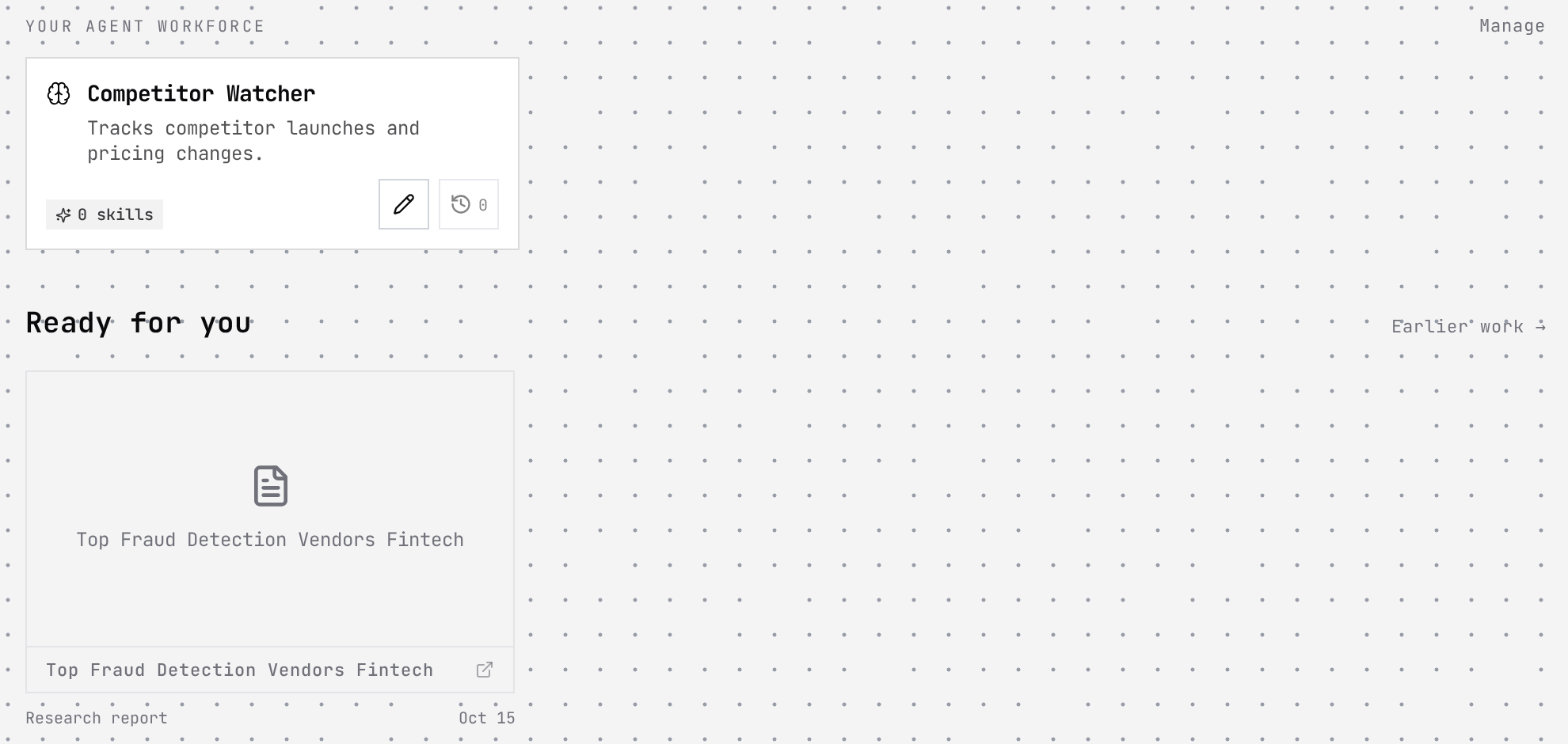
Clicking a card picks that agent: the composer asks what you would like it to work on, and your next task runs with it. The pencil opens the agent for editing without leaving Home, and the history button shows how many jobs it has run and opens them.
Loops you schedule sit here too, each saying when it runs next. A card that is working shows Live, which opens the run as it happens.
Try it in Grep: Show me the workforce on HomeChecked against the product on October 15, 2026
Step 3
Ready for you
Finished work from the last seven days.
Ready for you lists reports and other outputs that finished in the last week, each with its type and date. Clicking one opens it. Earlier work →, at the right, opens Job History for anything older.
Finding older workChecked against the product on October 15, 2026